Spec & delivery
One-inch ID Photo Maker
For common one-inch application and document uses, with white selected by default and other allowed backgrounds available.
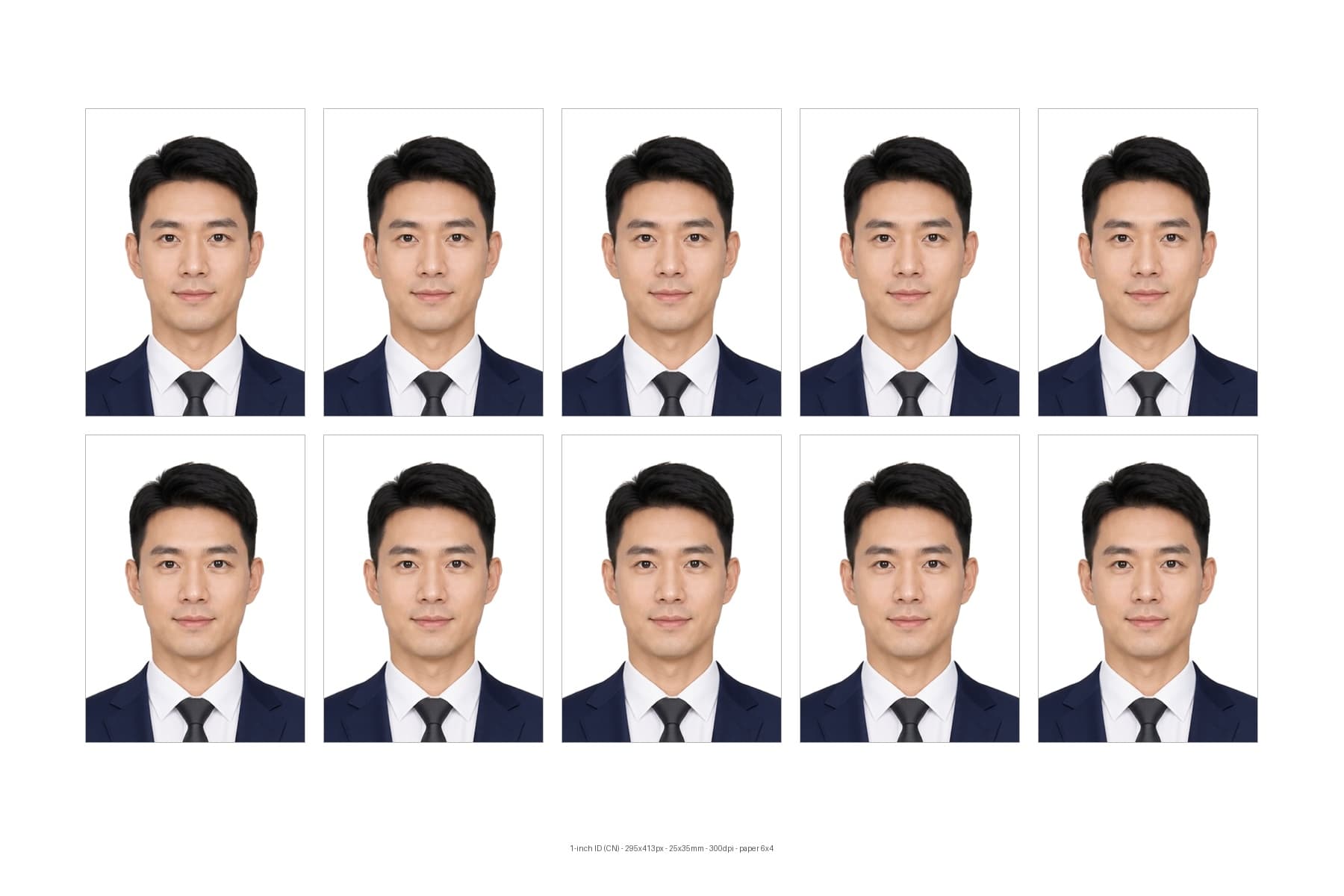

1-inch ID (CN)
Photo + print sheet
Upload copy includedWhite, blue, and red backgrounds
6×4 and other print layouts
How it works
- 1
Upload a front-facing portrait or start with a sample.
- 2
Confirm the preset spec and background, then optionally choose skin tone, smoothing, or a curated outfit.
- 3
Generate the standard image, upload-ready file, and separate print sheet, then review compliance guides.
Spec & delivery
One master, three deliverables
The standard image, upload-ready copy, and print sheet are generated separately.
295px · 25mm
413px
35mm
Standard image
PNGFull-size archive copy
295px · 25mm
413px
35mm

Upload-ready copy
JPG · ≤240 KBFile size limited for this spec
Print sheet
6×4Paper-sized layout
FAQ
How big is a one-inch ID photo in millimetres?
A standard one-inch photo is 25×35mm — the most common size for applications and documents. The page labels both pixels and millimetres so print requirements are easy to verify.
How do I choose between white, blue, and red backgrounds?
Follow the receiving party's written rules: application systems often want white or blue, while some certificates require red. You can switch between the allowed colors in one click.
Is acceptance by every authority guaranteed?
No. The page uses the verified spec in this product and provides geometry checks, but the receiving authority's latest rules remain definitive.
Preset ready
One-inch ID Photo Maker
1-inch ID (CN) · White by default; Blue, Red available · still adjustable
Browse by market and purpose
Popular ID photo scenarios
Document · China→
China Passport Photo Maker
Create a white-background China passport photo, upload-ready file, and print sheet with visual head-geometry checks.
Document · United States→
US Visa Photo Maker
Create a white-background 2×2-inch US visa photo with standard, upload-ready, and print outputs.
Career · General→
Job Application ID Photo & Outfit
Create a job-application ID photo with optional curated professional clothing while preserving facial identity.
Education · China→
Child ID Photo Maker
Use a child sample or upload a portrait to create common school-record ID photos with per-spec checks.