01
Standard sizes
Generate ID photos by pixel size, physical size, DPI and head-ratio rules.
MotuArt ID Photo
Choose a suitable option from the live skin-tone catalog, then create a corrected master, standard images, upload files and per-spec print sheets—or check an existing photo.
Package preview
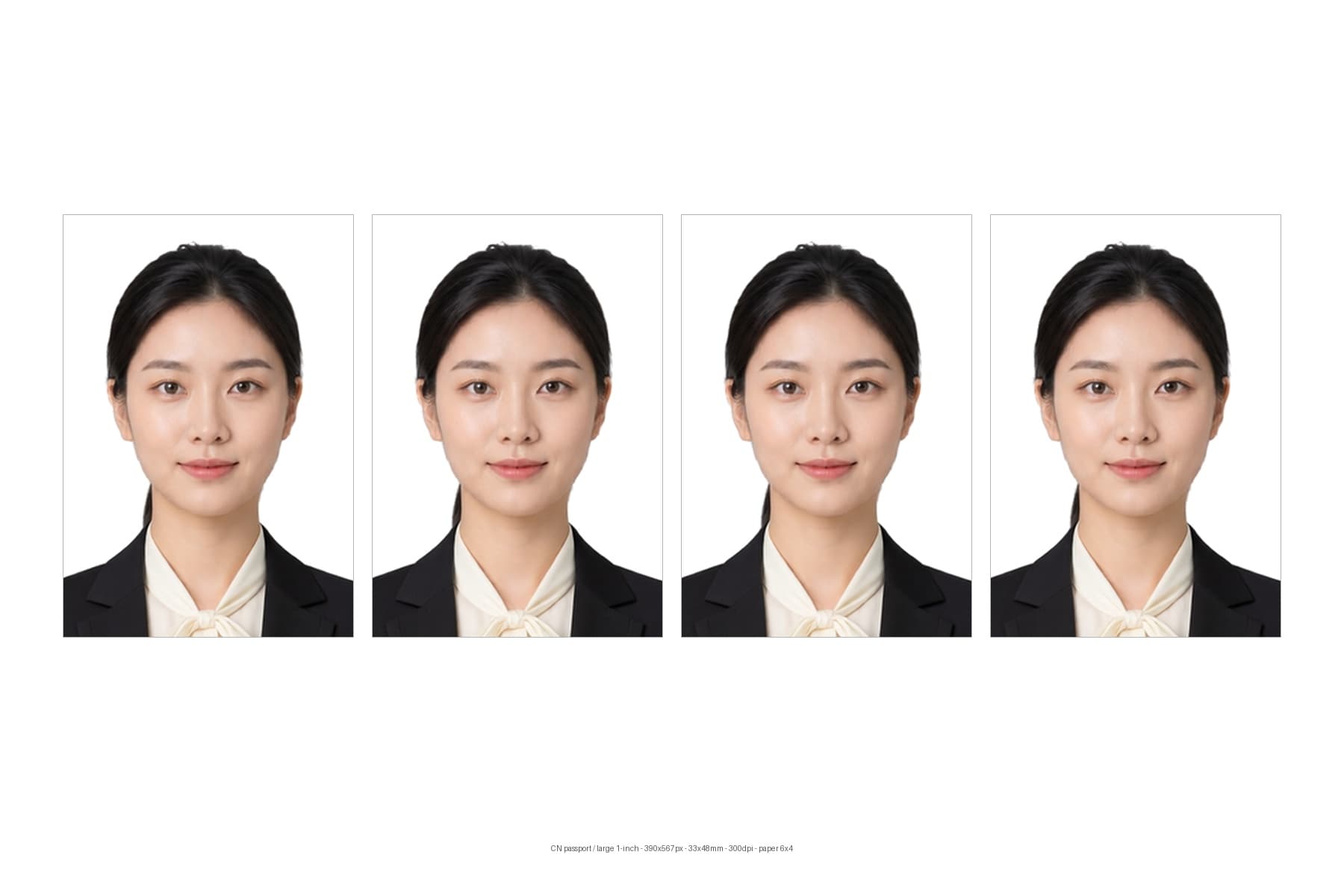
Standard image
PNG · 390×567px
Upload JPG
JPG · < 300KB
6x4 print sheet
6×4 · 1800×1200px
Download ZIP
One ZIP package
Real package preview
PNG · JPG · 6×4Try ID Photo
Use this to create new ID photos from a front-facing portrait.
No approved outfit styles are enabled
Your photo is used only for this generation — never to train public models.
Deliverables
Choose specs to generate standard images, upload files and print sheets.
Standard images, upload files, print sheets and compliance status
Browse by market and purpose
Each scenario presets its verified spec and default background. Always confirm the receiving authority's latest requirements before submission.
All supported markets
All supported markets
Create a white-background China passport photo, upload-ready file, and print sheet with visual head-geometry checks.
Create a China visa photo on white with standard, upload-ready, and print outputs plus head-geometry checks.
Prepare a 2×2-inch U.S. paper-passport photo while preserving the original, unedited natural appearance.
Create a white-background 2×2-inch US visa photo with standard, upload-ready, and print outputs.
Create a 35×45mm Schengen visa photo with white or light-grey background plus upload and print files.
Create a 35×45mm Japan passport photo with checks for 34±2mm head height, top margin, and plain background.
Create a square 45×45mm Japan visa photo with white background and standard, upload, and print outputs.
Check a 50×70mm Canadian paper-passport photo with 31–36mm face height and photographer-attribution reminders.
Create a Canada temporary resident visa photo using the minimum 35×45mm frame requirement, with dimension rulers, upload copy, and print sheet.
Create and check a 35×45mm UK printed passport photo. Online applications use a separate digital-photo flow, so the printed result should not simply be enlarged for upload.
Prepare an unaltered UK visa or permission digital photo: at least 600×750px, JPG/JPEG, 50KB to 6MB, on a plain light-coloured background.
Prepare a 35×50mm white-background photo for Malaysia passport channels that request a supplied image, with live-capture limitations shown.
Prepare a 35×50mm pure-white-background Malaysia eVISA photo with clear warnings about scans, selfies, and artificial background replacement.
Prepare a 35×45mm Thailand passport-photo reference while surfacing office-specific live-capture requirements.
Create a common 35×45mm white-background Thailand visa photo, with a warning that another size may apply to a specific visa route or mission.
Create a front-facing 40×60mm Vietnam passport photo on white with upload-ready and print files.
Create a 4×6cm white-background Vietnam e-visa JPG and keep the upload file below 2MB.
Prepare framing and appearance for live Philippine passport capture at DFA; this does not create a substitute submission photo.
Create a 600×600px square Philippines online visa photo on white or off-white with head and eye-line checks.
Check a 35×45mm preset within the Australian Passport Office range, including head size and natural skin tone.
Prepare a 35×45mm supplied photo on a plain light-coloured background for Australian visa routes that explicitly request one.
Check a Korea passport photo at 35×45mm and the recommended 413×531px while clearly disclosing editing and compositing risks.
Create a recent front-facing 35×45mm colour photo on white for a Korea visa application.
Prepare or check a photo at the Singapore ICA e-Service recommendation of 400×514px, with upload format and size guidance.
Create a recent colour visa photo at Singapore ICA's recommended 400×514px e-service dimensions.
Create a one-inch ID photo with white, blue, or red backgrounds and export a print sheet.
Crop to the two-inch ID photo spec with background replacement, upload optimization, and per-spec print sheets.
Create a school enrollment photo using the Shanghai compulsory education preset, with upload output and compliance preview.
Create a job-application ID photo with optional curated professional clothing while preserving facial identity.
Use a child sample or upload a portrait to create common school-record ID photos with per-spec checks.
Replace a portrait background with an allowed white, blue, or red color while preserving hair and subject edges.
Create 6×4, 4×6, or A4 ID photo print sheets, with each selected spec laid out separately for printing and cutting.
Create a 22×32mm small one-inch ID photo with standard, upload-ready, and print outputs.
Create a 35×45mm small two-inch ID photo without confusing it with standard or large two-inch formats.
Create a 35×53mm large two-inch ID photo with a blue background, upload-ready copy, and print sheet.
Create a white-background China ID-card photo with standard, upload-ready, and print files plus geometry checks.
Create a blue-background college graduation collection photo at 480×640px with upload file-size control.
ID Photo Delivery
MotuArt ID Photo Maker supports both complete package generation and checks for existing photos. Create one corrected master, multiple standard images, upload-ready files and a separate print sheet for every selected spec, then use the compliance preview to understand each result.
Generate ID photos by pixel size, physical size, DPI and head-ratio rules.
Use white, blue, red or the default background required by each spec.
Choose a professional suit or uniform designed for ID-photo use while preserving natural facial features.
Choose dynamically from the live skin-tone catalog to normalize tone and luminance without reshaping facial features.
Control smoothing separately from skin tone to soften blemishes while retaining natural texture.
Export JPG files that are easier to upload to application and visa systems.
Generate a separate 6x4, 4x6 or A4 layout for every selected spec without mixing outputs.
Check dimensions, DPI, head ratio, eye line, face width and background with guides linked to measured values.
ID photo standards constrain both file properties and portrait placement. Visual guides make every machine check easier to understand.
See the detected crown-to-chin position, allowed band and value.
View eye-height and face-width measurements where required.
Validate new deliverables or upload an already-cropped photo for a standalone check.
Choose package generation or an existing-photo check.
Upload a portrait and select skin tone, outfit, background, smoothing and one or more specs.
Create one master, standard images, upload files and a separate print sheet for each spec.
Compare portrait geometry against guides and measured values.
The page exports upload-ready files and checks size, DPI, head ratio and face-detection status. Final acceptance still depends on each official upload system.
No. The workflow focuses on skin tone, light smoothing, background and standard cropping without reshaping identity.
Each option has a different target tone, luminance and color-temperature tendency. The page reflects the live server catalog, while skin tone and smoothing remain separate controls.
The page shows the current selection of curated suits and uniforms for ID-photo use.
Print sheets are generated by paper size, DPI and single-photo dimensions, with a footer label for type and size.
Yes. One upload creates one master, then crops every selected spec separately. Each spec also gets its own print sheet.
Solid lines show detected positions, bands show allowed ranges, and linked labels show current and expected values.
Yes. Switch to check mode, upload an already-cropped photo and choose its intended spec.
Use a sharp, front-facing photo with even light and the full hair and shoulders visible. Avoid close wide-angle selfies, strong backlight, motion blur and complex obstructions.
Normal glasses may work, but glare, heavy frames or bangs covering the eyes can reduce detection quality. Hats and obvious head coverings may be rejected unless the receiving authority allows them.
The page checks measurable conditions such as pixels, DPI, head ratio, eye line, face width and background. Capture date, clothing, expression and manual-review rules still depend on the receiving authority.
Keep the standard PNG as the main image, use the optimized upload file for application systems, and use the per-spec print sheet for photo-paper printing and cutting.
Photos are used to complete processing and necessary troubleshooting, then handled under the privacy policy's retention, deletion or anonymization practices.